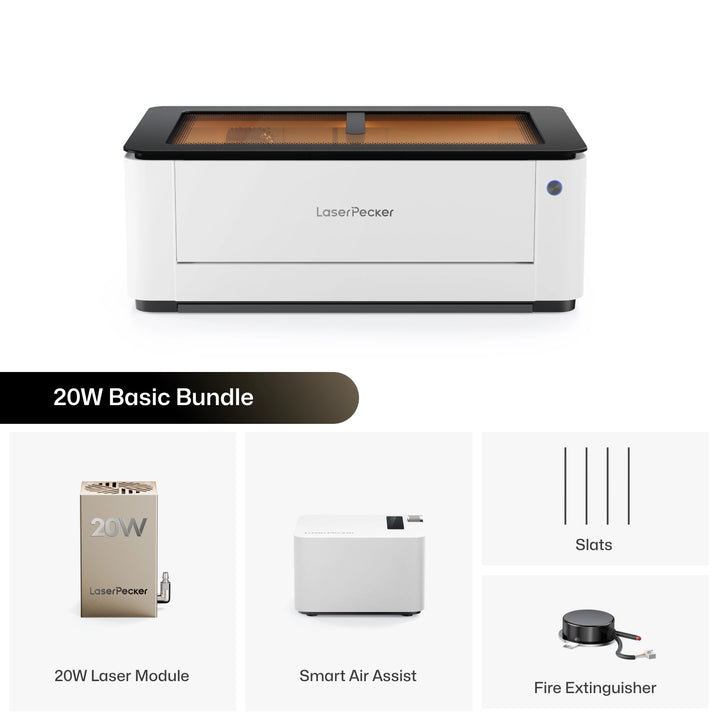
The desktop laser cutter market is evolving quickly, and more makers are now looking for machines that deliver higher speed, better precision, and greater flexibility in a compact workspace.
While the Ortur H20 is a solid entry-level enclosed laser engraver, many users eventually find that its speed, workflow, and positioning limitations can slow down more demanding projects.
Here, we'll explore why the LaserPecker LX2 is becoming a strong upgrade choice, and how it compares in key areas like engraving speed, material capability, and advanced positioning technology.

Part 1: Why Do People Look for an Ortur H20 Alternative?
The Ortur H20 remains a capable enclosed diode laser cutter, especially for beginners and small workshop users. However, as creators start handling higher order volumes, larger designs, or more detailed engraving work, they often begin to notice that certain hardware limitations start affecting day-to-day productivity.
These limitations are not necessarily deal-breakers for casual use, but they become increasingly important when speed, precision, and workflow efficiency start to matter.
Here are the most common reasons users begin searching for an Ortur H20 alternative.
Limitation #1: Work Area Restrictions
The fixed enclosure design means the usable working area is locked within a predefined limit. While this is sufficient for small projects like keychains or tags, it can become restrictive when users try to scale into larger signage, batch production layouts, or oversized custom pieces.
Limitation #2: Engraving Speed Ceiling (~333 mm/s)
The H20 reaches a maximum engraving speed of around 20,000 mm/min, which is roughly 333 mm/s. While this is acceptable for hobby use, it can become a bottleneck when running high-volume production or time-sensitive orders.
For users managing Etsy shops or small business workflows, longer engraving times directly translate into lower daily output.
Limitation #3: 2MP Camera Positioning Limitations
The built-in 2MP camera provides basic visual positioning support, but it lacks the clarity needed for high-precision alignment tasks. When working with multiple objects or intricate designs, lower resolution can make previewing and placement less accurate.
Limitation #4: Lack of 3D Surface Adaptive Focus
The Ortur H20 does not feature true 3D surface scanning or adaptive focus adjustment. This means curved or uneven objects require manual adjustments or external rotary accessories, which increases setup time and reduces workflow efficiency.
Part 2: Why Some Users Choose the LaserPecker LX2 Instead of the Ortur H20?
The LaserPecker LX2 is designed for creators who want to move beyond entry-level limitations and into a more efficient, scalable, and flexible production workflow.
Compared with the Ortur H20, the LX2 focuses on solving real production bottlenecks such as speed, positioning accuracy, material versatility, and setup efficiency.
Below are the key reasons why many users choose the LX2 as their next upgrade.
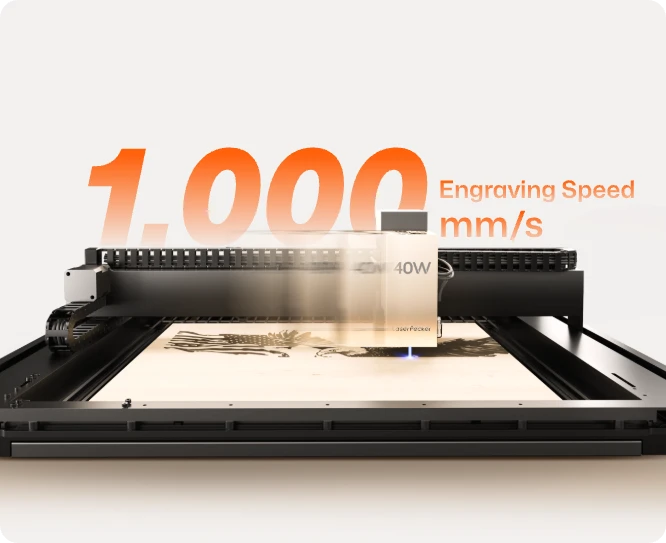
Reason #1: 3× Faster Engraving Speed
The LX2 delivers engraving speeds of up to 1,000 mm/s, significantly faster than the Ortur H20. This allows users to complete detailed engraving jobs in less time, improving overall production efficiency.
For batch production or commercial workflows, this speed advantage directly translates into higher daily output.
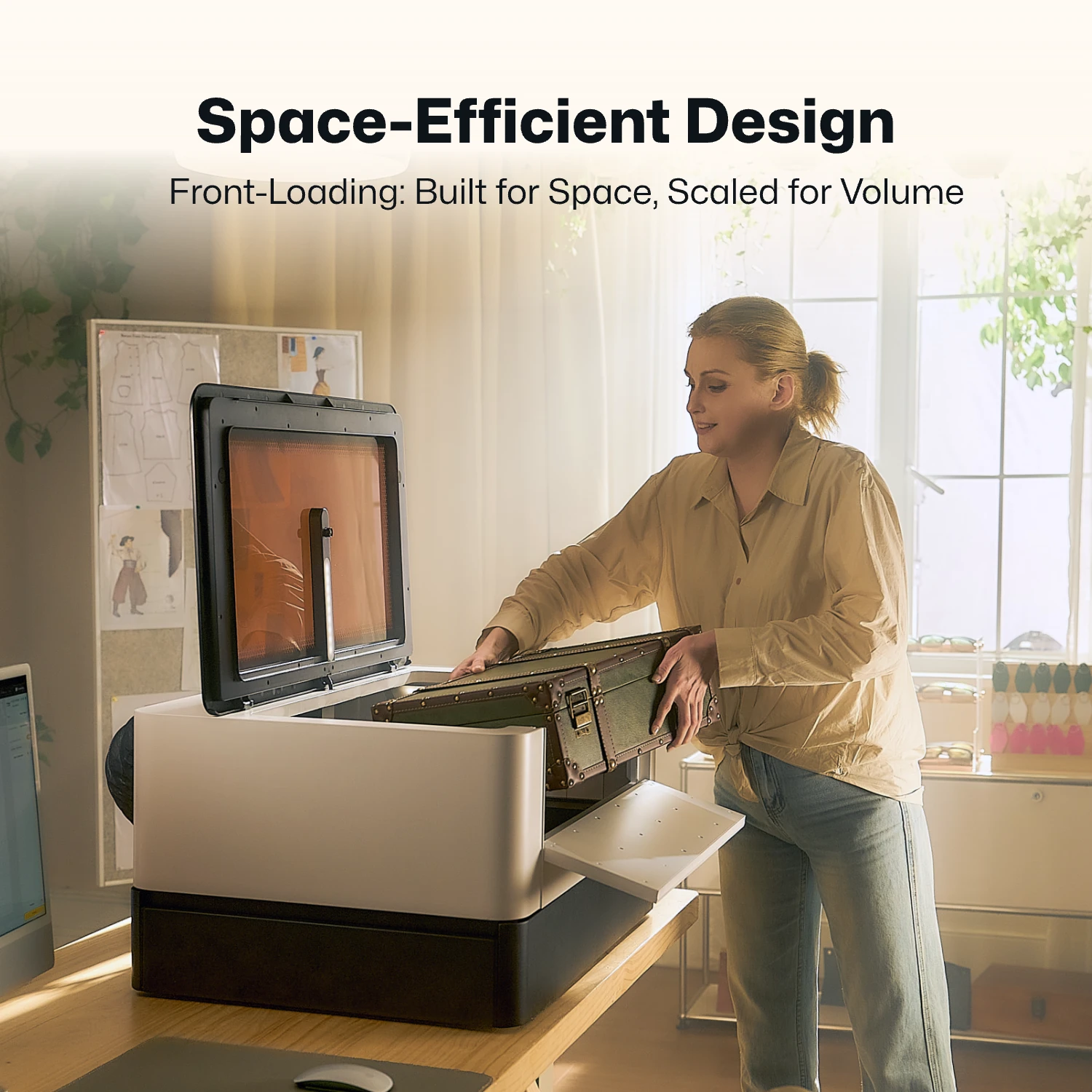
Reason #2: Larger and More Flexible Working Area
With a 500 × 305 mm working area, the LX2 provides more usable space for layout design and multi-object engraving.
This expanded workspace allows users to run batch jobs more efficiently without constantly repositioning materials.
Reason #3: 12MP / 6K HD Camera + Point-to-Shape™ System
The LX2 uses a high-resolution 12MP / 6K camera combined with a dual positioning system for improved accuracy and workflow control.
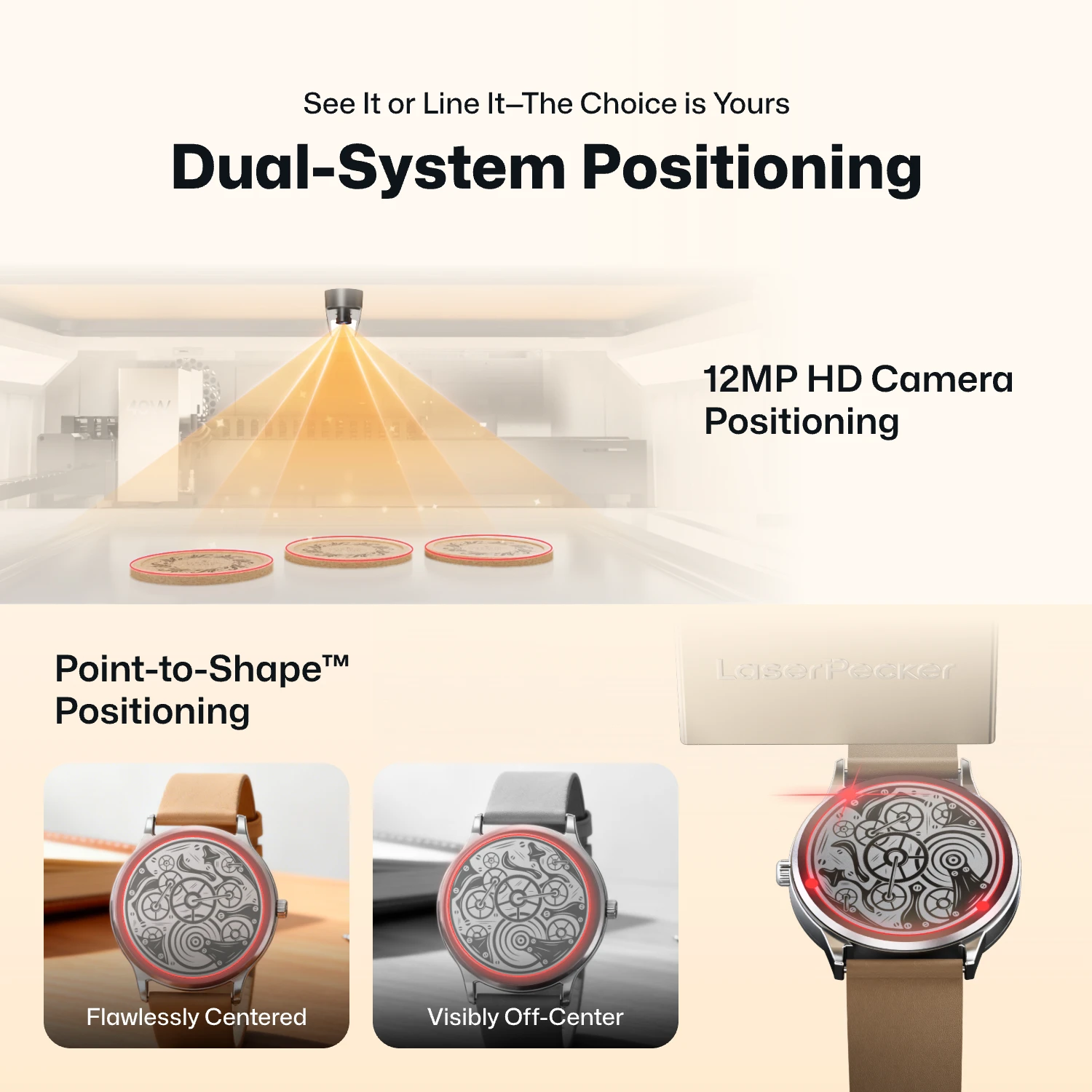
- 12MP Camera Positioning: The built-in ultra-wide camera provides a live preview of the entire workspace, allowing users to position artwork accurately before engraving begins.
- Smart Fill: Using the camera, the LX2 automatically detects multiple objects in the workspace and intelligently fills each one with the selected design, dramatically speeding up batch engraving.
- Remote Live View: The live camera feed lets users remotely monitor the workspace, verify positioning, and check engraving progress without standing next to the machine.
- Point-to-Shape™ Intelligent Probing: Instead of relying on visual recognition alone, the LX2 uses a mechanical probe to physically trace the outline of irregular objects. The detected shape is then imported into the software, allowing artwork to fit the object's exact contour with high precision.
This makes it easier to preview designs, align objects precisely, and reduce wasted material during setup.
Reason #4: 3D Adaptive Focus for Curved Surfaces
Unlike traditional fixed-focus systems, the LX2 can automatically adjust focus across uneven or curved surfaces.
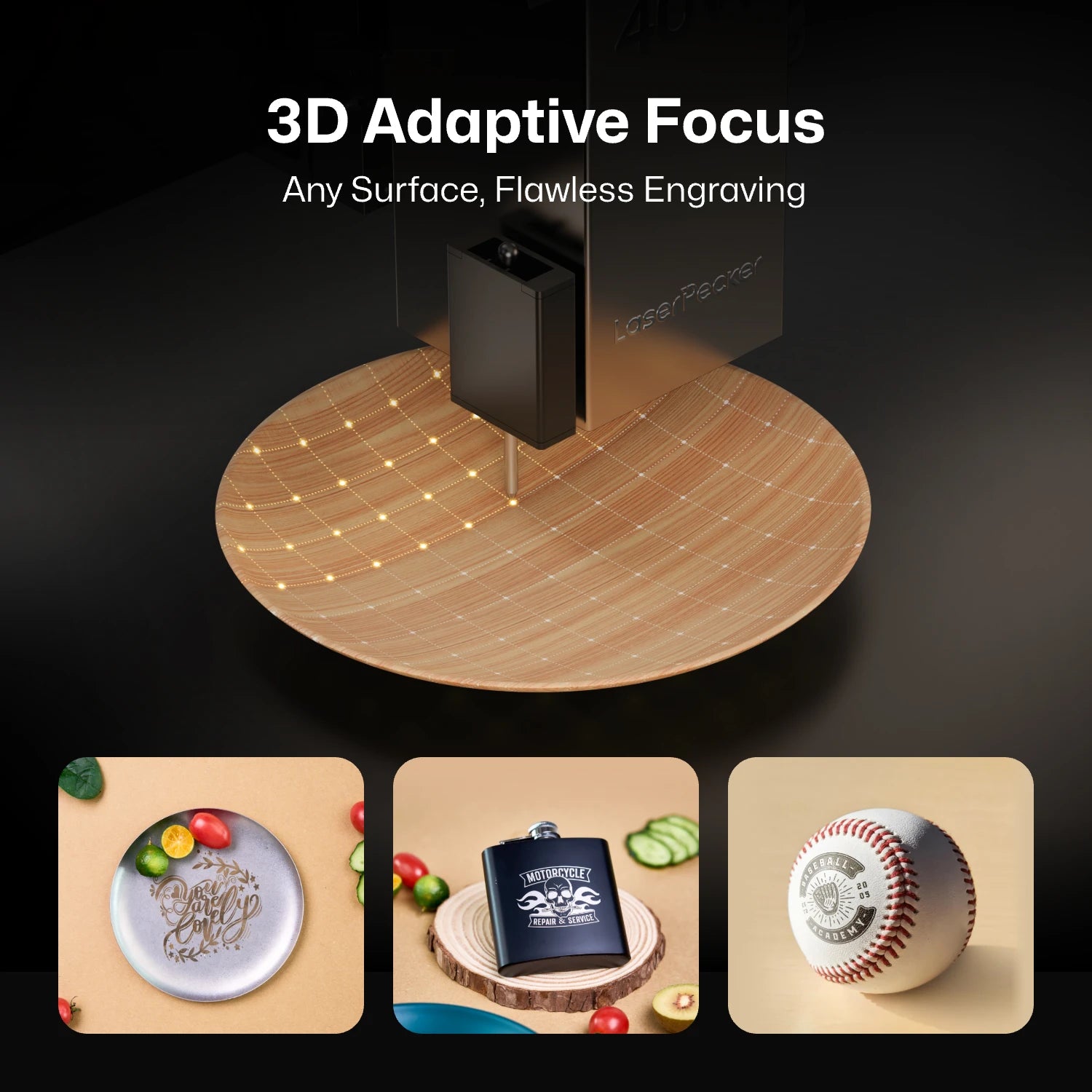
This makes it more practical for engraving cylindrical or irregular objects without repeated manual calibration.
Reason #5: Modular Laser System (20W / 40W / 60W + 2W IR)
The LX2 supports interchangeable laser modules, allowing users to switch between cutting, engraving, and metal marking tasks using one machine.
This modular design replaces the need for multiple dedicated machines in a workshop.

Reason #6: Direct Metal Engraving Capability
With the 2W infrared laser module, the LX2 can engrave directly on stainless steel, titanium, gold, and silver without marking sprays or coatings.
This opens up higher-value product categories such as jewelry, metal tags, and custom accessories.
Reason #7: Tool-Free Quick Swap System
The LX2 is designed for fast module changes, allowing users to switch laser heads quickly without complex tools or recalibration delays.
This improves workflow efficiency, especially for multi-material production environments.

Part 3: Ortur H20 vs LaserPecker LX2: Comparison Table
Now that we’ve covered the key limitations of the Ortur H20 and the advantages of the LaserPecker LX2, the table below provides a clear side-by-side comparison of both machines.
This breakdown helps highlight the key differences in speed, precision, workflow flexibility, and overall production capability.
| Ortur H20 | LaserPecker LX2 | |
|---|---|---|
| Laser Type | Diode Laser | Modular Diode + IR Laser System |
| Laser Output Power & Modules | Diode Modules (10W / 20W / 40W configurations, IR optional depending on setup) | Modular Diode System (20W / 40W / higher-power configurations) + 2W IR Module |
| Working Area | Up to ~420 × 300 mm (varies by configuration) | 500 × 305 mm Effective Workspace |
| Max Engraving Speed | Up to ~333 mm/s | High-speed motion system up to ~1000 mm/s |
| Camera System | Integrated Positioning Camera (~2MP class) | High-resolution Camera System (12MP-class / 6K preview depending on configuration) |
| Positioning System | Camera Vision Positioning | Camera + Mechanical Probe (Point-to-Shape™ System) |
| Auto-Focus | Standard Auto-Focus System | 3D Surface Adaptive Focus System |
| Focal Depth | Standard Fixed Focus System | Enhanced Depth-of-Field Optical System (optimized for uneven surfaces) |
| Cutting Capacity | Up to ~20mm wood (multi-pass, varies by material type and module power; best performance on plywood and MDF). |
40W Module: 22 mm Paulownia Wood / 20 mm Acrylic 60W Module: 25 mm Wood / 30 mm Black Acrylic / 0.8 mm Stainless Steel |
| Software Compatibility | LightBurn / LaserGRBL | LaserPecker Design Space / LightBurn |
| Connectivity | WiFi / USB / TF Card | USB / WiFi / USB Drive |
| Safety Class | Class 1 Enclosed System | Class 1 Enclosed System + Multi-sensor Safety Protection |
| Weight | ~20–21 kg (depending on configuration) | ~22.5 kg (estimated system weight) |
Part 4: Where Ortur H20 Still Has an Advantage
Although the LaserPecker LX2 offers significantly higher performance in speed, positioning accuracy, and material flexibility, the Ortur H20 still holds value for certain types of users.
For beginners or hobby-focused creators, its simpler structure and lower entry cost can make it a practical starting point.
Here are the areas where the Ortur H20 still performs well.
Advantage #1: Built-in OLED Display for Quick Monitoring
The built-in OLED screen allows users to quickly check machine status, job progress, and system information directly on the device.
Advantage #2: Assisted Height Adjustment for Material Flexibility
The Ortur H20 supports height adjustment mechanisms that allow users to set the correct focus distance when working with materials of different thicknesses.
This helps improve cutting and engraving accuracy without requiring complex recalibration, especially when switching between thin and thicker materials.
FAQs: Hot Questions about Ortur H20 Alternatives
Q1: Is the LaserPecker LX2 a diode or CO2 laser cutter?
The LaserPecker LX2 is a modular diode laser system with an additional 2W infrared (IR) module. It is not a CO2 laser, but it combines multiple laser types to expand material compatibility.
Q2: Can the LX2 engrave metal without extra accessories?
Yes. With the 2W IR module, the LX2 can directly engrave stainless steel, titanium, gold, silver, and other bare metals without marking sprays or coatings.
Q3: Is LX2 beginner-friendly compared to Ortur H20?
Yes. The LX2 automates positioning, focusing, and material detection with its camera system and 3D adaptive focus, making it easier for beginners to achieve accurate results with less manual adjustment.
Q4: Does LX2 support LightBurn like the Ortur H20?
Yes. The LX2 supports LightBurn as well as LaserPecker Design Space, allowing users to integrate it into existing workflows without changing software habits.
Conclusion
The Ortur H20 is a good entry-level laser machine for simple projects like small crafts and flat materials.
But as work gets bigger or more complex, limits in speed, accuracy, and workflow can slow things down.
The LaserPecker LX2 is built to solve these issues with faster engraving, better positioning, a modular laser system, and support for more materials including metal engraving.
If you need a machine that can grow with your work and handle more advanced projects, the LX2 is a more flexible and future-ready option.