Plastic engraving is widely used for product labels, signs, electronic housings, prototypes, personalized gifts, and industrial identification.
However, acrylic, ABS, engraving laminates, and other plastics respond differently to heat, pressure, and cutting tools. Choosing the right plastic engraving tool is essential for producing clean marks without melting, cracking, or warping the material.
This guide compares four common plastic engraving tools, including laser engravers, CNC machines, dot peen systems, and handheld tools. We explain the advantages, limitations, and best applications of each option so you can choose the right engraving tool for plastic based on your material, budget, and production needs.

In this article:
Part 1: Top 4 Tools for Engraving Plastic: Pros and Cons
Plastic engraving tools use different processes to create a mark. Lasers remove or modify the surface with focused energy, CNC machines cut it with a rotating bit, dot peen machines indent it with a stylus, and handheld tools remove material manually.
The right method depends on the plastic, required depth, design complexity, and production volume. Here are four common types of engraving tools for plastic in 2026.
Tool 1: Laser Engraving Machines
Laser engraving machines use a focused beam to remove material or create a controlled surface change. A suitable laser engraving machine for plastic can produce small text, logos, QR codes, serial numbers, photos, and detailed patterns without applying physical pressure to the workpiece.
Because the design and parameters are digitally controlled, laser engraving delivers consistent results across multiple products. Its non-contact workflow is also useful for thin or delicate plastic parts that could bend under a mechanical tool.
However, laser compatibility depends on the exact polymer, color, and additives. Some plastics engrave cleanly, while others melt, discolor, or release hazardous fumes. Identify the material and check its safety information before laser processing.
What's good:
- Produces fine text and detailed graphics
- Delivers consistent results for repeated designs
- Requires no physical contact or cutting-bit replacement
- Supports efficient digital and batch workflows
Things to consider:
- Has a higher initial cost than basic hand tools
- Is not compatible with every type of plastic
- Requires material testing and suitable fume extraction
Tool 2: CNC Engraving Tools
A CNC engraving machine for plastic uses a rotating cutting bit and computer-controlled movement to remove material. It is commonly used for rigid plastic sheets, panels, blocks, control panels, signs, and engineering components.
CNC engraving offers precise depth control and can create deep lettering, grooves, pockets, beveled edges, and three-dimensional details. It is particularly useful when the design must extend deeper into the material than a typical laser surface mark.
Results depend on the bit geometry, spindle speed, feed rate, and chip removal. Incorrect settings can generate excessive heat, causing plastic chips to melt and stick to the bit. CNC systems also produce more noise, debris, and tool wear than laser engravers.
What's good:
- Creates deep engraving and dimensional features
- Works well on thicker, rigid plastic parts
- Provides controlled and repeatable engraving depth
Things to consider:
- Produces less detail than a laser when using larger bits
- Requires clamping, chip removal, and bit replacement
- Can melt plastic if speed and feed settings are incorrect
- Creates more noise and debris
Tool 3: Dot Peen Marking Machine
A dot peen machine uses a pneumatically or electrically driven stylus to make a series of small indentations. These dots form letters, numbers, serial codes, and simple symbols on the plastic surface.
Dot peen marking is mainly used for durable industrial identification on hard, rigid plastic components. It can produce permanent serial numbers and traceability data without using heat.
However, the dotted appearance is less suitable for decorative products, photographs, gradients, or detailed graphics. The impact force can also damage thin, brittle, or unsupported plastic parts.
What's good:
- Creates durable identification marks
- Works well for serial numbers and industrial codes
- Does not use heat to create the mark
Things to consider:
- Produces a visible dotted finish
- Cannot reproduce detailed images or gradients
- May crack thin or brittle plastic
- Generates impact noise
Tool 4: Handheld and Electric Auxiliary Tools
Handheld options include scribers, gravers, engraving pens, rotary tools, and heated carving tools. They are affordable and portable, making them practical for simple DIY projects, repairs, model making, and occasional personalization.
A Dremel or engraving pen can create names, outlines, and shallow decorative marks on many rigid plastics. However, the result depends heavily on the user's control. Excessive speed, pressure, or heat can melt the plastic or leave uneven edges.
What's good:
- Affordable and widely available
- Suitable for simple DIY projects and repairs
- Portable and easy to use on large objects
Things to consider:
- Depth and line quality may be inconsistent
- Fine details are difficult to reproduce
- Not efficient for batch production
- Rotary and heated tools can melt plastic
Comparison Table of Plastic Engraving Tools
| Tool Type | Precision | Consistency | Speed | Skill Required | Best Use Case |
|---|---|---|---|---|---|
| Laser Engraving Machine | Very High | Excellent | Fast | Low–Medium | Fine graphics, codes, and batch work |
| CNC Engraving Machine | Medium–High | Good | Medium | Medium–High | Deep engraving and rigid plastics |
| Dot Peen Marking Machine | Low–Medium | High | Fast | Low | Industrial IDs and serial numbers |
| Handheld or Electric Tool | Low–Medium | Low | Slow | Medium–High | Simple DIY and one-off projects |
Laser engraving offers the strongest overall combination of precision, speed, repeatability, and design flexibility. CNC engraving remains the better option for deep recesses and dimensional machining, while dot peen and handheld tools serve more specialized applications.
For users who need fine digital designs and repeatable results, the next step is choosing a plastic laser engraving machine that supports the specific plastics they plan to process.
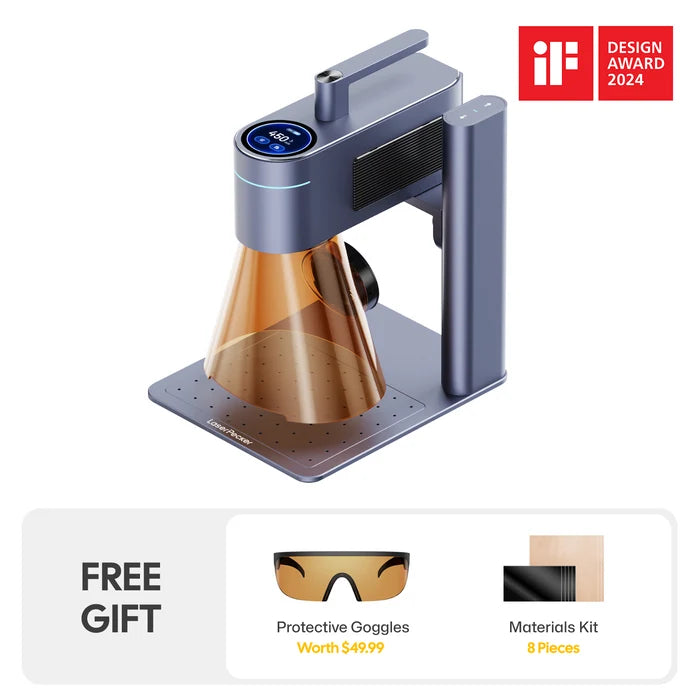
Recommended Plastic Engraver: LaserPecker LP4
The LaserPecker LP4 combines a 10W 450 nm blue diode laser with a 2W 1064 nm infrared laser, giving users two options for engraving and marking compatible plastics. It is suitable for personalized products, electronic housings, plastic tags, labels, and small production projects.
-
10W Blue Diode and 2W Infrared Lasers
Two laser wavelengths provide greater flexibility when working with compatible plastics that respond differently to visible blue and infrared energy. -
Fine Digital Engraving
The LP4 can reproduce names, logos, QR codes, serial numbers, signatures, and detailed artwork without applying mechanical pressure to the plastic. -
Up to 4,000 mm/s Engraving Speed
High-speed processing supports efficient personalization and repeated marking of small plastic products. -
160 × 120 mm Standard Work Area
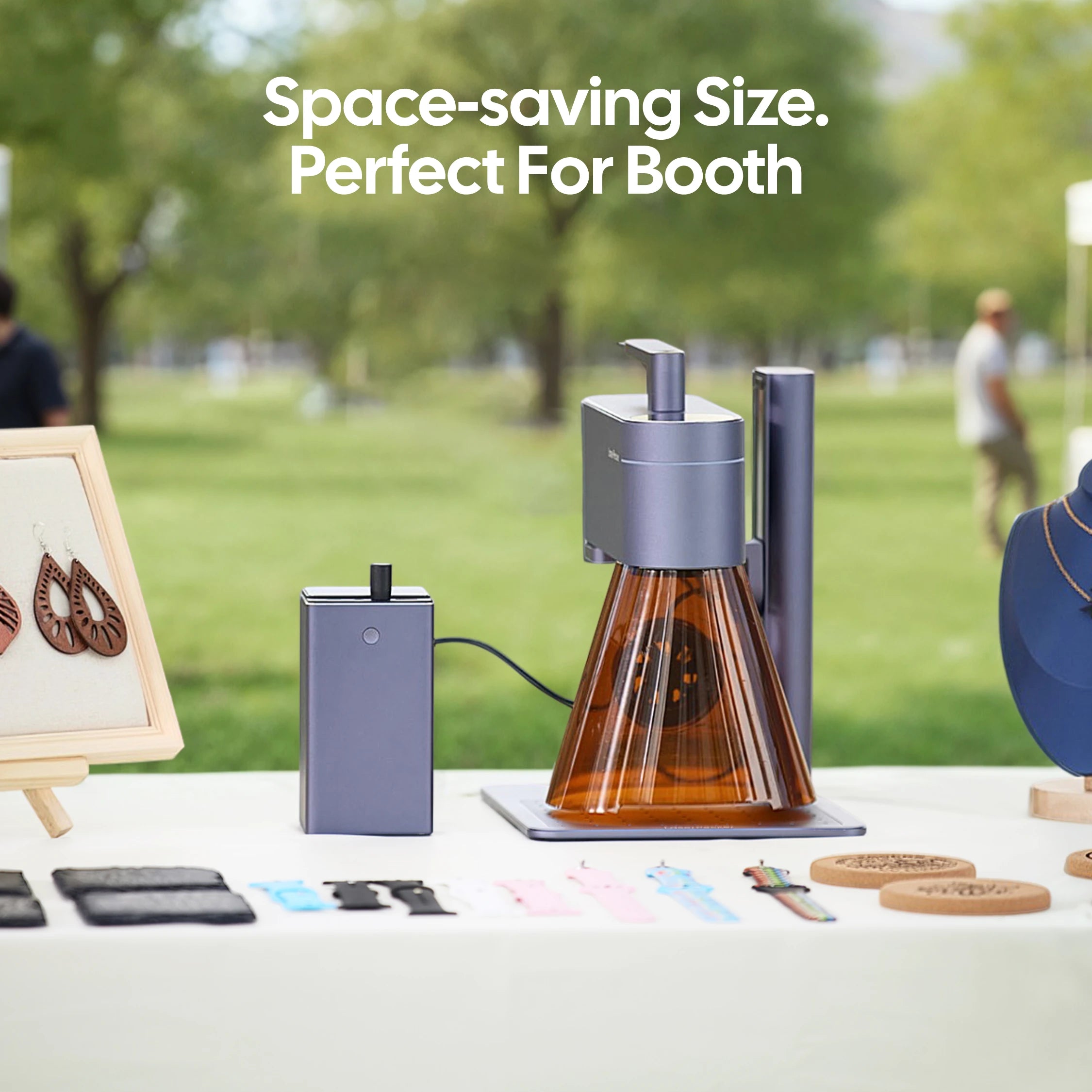
The compact work area accommodates tags, electronic accessories, labels, housings, and other small plastic items.
Part 2: How Do I Choose the Right Plastic Engraving Tool?
Choosing the right plastic engraver involves more than comparing prices. Plastics have different chemical compositions and react differently to laser energy, friction, pressure, and heat. Start by identifying the exact material, then consider the required depth, detail, production volume, budget, and safety requirements.
Consideration #1: Material Type
Acrylic, ABS, polycarbonate, PETG, polypropylene, polyethylene, acetal, and engraving laminates have different processing characteristics. Even plastics with the same general name may react differently because of their colorants, fillers, coatings, or flame-retardant additives.
Blue diode lasers work best on selected dark or opaque plastics that absorb visible blue light. Infrared lasers can create high-contrast marks on certain engineering plastics. CO₂ lasers are commonly used for engraving and cutting compatible acrylic and other polymers. CNC and handheld tools provide mechanical alternatives when deeper engraving is required or laser processing is unsuitable.
Do not laser engrave PVC, vinyl, PTFE, or plastics containing halogens because they can release hazardous gases and damage the equipment. Avoid processing any unknown plastic until its composition has been confirmed by the supplier or Safety Data Sheet.
Consideration #2: Precision and Detail Requirements
For small text, thin lines, serial numbers, QR codes, logos, or photographs, a laser engraver generally offers the highest level of detail and repeatability. A CNC machine is better when the design requires accurately controlled depth, recessed lettering, pockets, or three-dimensional features.
Handheld tools are sufficient for simple outlines and one-off personalization, but they require more practice to maintain consistent line width and depth.
Consideration #3: Production Volume and Efficiency
Hand tools and engraving pens are practical for occasional projects. If you regularly produce plastic nameplates, tags, panels, promotional products, or personalized accessories, a digitally controlled plastic engraving machine can improve speed and consistency.
Laser and CNC machines can repeat the same design from a digital file, making them suitable for batch work. Fixtures or jigs can further improve placement when engraving multiple identical products.
Consideration #4: Engraving Depth and Finish
Choose a laser when you need a fine surface mark, frosted finish, color change, or shallow engraving. Choose a CNC machine for deep grooves, recessed lettering, beveled edges, or dimensional machining. Dot peen is appropriate for durable dotted identification marks, while handheld tools are better for simple artistic or repair work.
Consideration #5: Budget and Maintenance
Handheld tools have the lowest initial cost but require more manual work. CNC machines involve cutting-bit replacement, clamping, chip removal, and mechanical maintenance. Laser systems cost more initially but have no cutting bits and can reduce setup time for detailed or repeated designs.
When comparing costs, include ventilation, filtration, accessories, software, maintenance, and the time required to complete each item—not only the purchase price.
Consideration #6: Ventilation and Safety
Laser engraving plastic can generate smoke, particles, and chemical fumes. Use suitable extraction or filtration, follow the machine manufacturer's instructions, and never leave the machine unattended while it is operating.
Mechanical engraving also requires safety controls. Secure the workpiece, wear suitable eye protection, manage chips and dust, and keep loose clothing away from rotating tools. Regardless of the method, test the material and settings before processing the final product.
FAQs about Plastic Engraving Tools
Q1. What tools can you use to engrave plastic?
You can engrave plastic with a laser engraving machine, CNC router, dot peen marking machine, hand graver, engraving pen, or rotary tool. Lasers are suitable for detailed, repeatable surface engraving; CNC machines are better for deep grooves and dimensional features; dot peen systems create industrial identification marks; and handheld tools work well for simple DIY projects.
Q2. What is the best plastic engraving tool for beginners?
An adjustable-speed engraving pen or rotary tool is an affordable option for beginners working on simple projects. Use a fine bit, start at a low speed, and make several shallow passes. If you want to reproduce digital designs or produce multiple identical items, a compact laser engraver such as the LaserPecker LP4 may provide greater precision and consistency, provided the plastic is laser-compatible.
Q3. Can you engrave plastic with a Dremel or engraving pen?
Yes. A Dremel, rotary tool, or electric engraving pen can engrave many rigid plastics. Secure the workpiece, trace the design, select a fine engraving bit, and begin at a low speed. Avoid excessive pressure or holding the bit in one place because friction can melt the plastic or leave rough edges.
Q4. What type of laser is best for engraving plastic?
The best laser depends on the plastic. CO₂ lasers are commonly used for engraving acrylic, including clear acrylic, and many other compatible polymers. Blue diode lasers work better on selected dark, colored, or opaque plastics. IR or fiber laser systems can create high-contrast marks on certain engineering plastics. Test the exact material because pigments, fillers, and additives can significantly affect the result.
Q5. Can all types of plastic be laser engraved?
No. Plastics have different chemical compositions and absorb laser wavelengths differently. Some engrave cleanly, while others melt, discolor, warp, or release hazardous fumes. Confirm the complete material composition and check the laser manufacturer's compatibility guidance before processing it.
Q6. Which plastics should not be laser engraved?
Do not laser engrave PVC, vinyl, PTFE or Teflon, PVB, or plastics containing halogens or unknown flame-retardant additives. These materials can release hazardous gases and may corrode or damage laser equipment. Unknown plastics should also be avoided until their composition and laser compatibility have been confirmed.
Q7. How do you engrave plastic without melting it?
For mechanical engraving, use a sharp bit, reduce the rotational speed and pressure, clear chips frequently, and make several shallow passes. For laser engraving, begin with a higher speed and lower power, use Air Assist when appropriate, and test different settings on a spare piece. Allow the material to cool between repeated passes.
Q8. How do you choose the right plastic engraving tool?
First identify the plastic and decide whether you need a surface mark, deep engraving, or a cut. Then compare the required detail, work area, production volume, budget, ventilation, and maintenance. Choose a laser engraver for fine, repeatable graphics; a CNC machine for controlled depth and dimensional machining; a dot peen system for industrial identification; or a handheld tool for simple one-off projects.
Conclusion
Laser engravers, CNC machines, dot peen systems, and handheld tools can all engrave plastic, but they serve different purposes. Laser engraving offers the best overall combination of fine detail, speed, repeatability, and digital design flexibility. CNC machines are better for deep or three-dimensional machining, while dot peen and handheld tools suit industrial identification or simple one-off projects.
If you need a compact plastic engraver for detailed designs and repeated personalization, the LaserPecker LP4 laser engraver combines blue diode and infrared lasers for processing compatible plastic products. Always identify the polymer, test the settings, and use proper fume extraction before engraving.