Save 30%

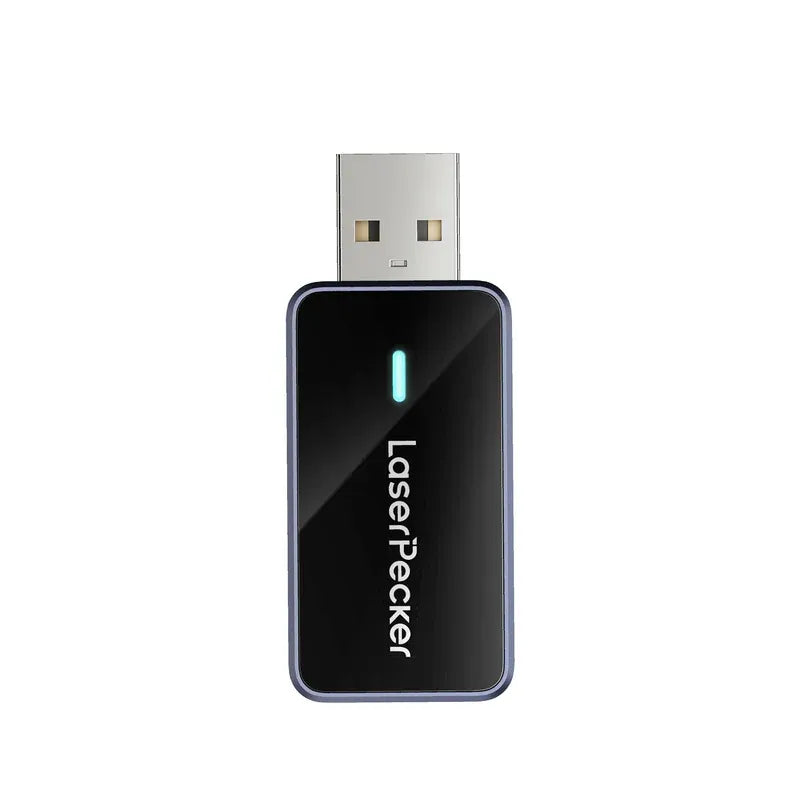
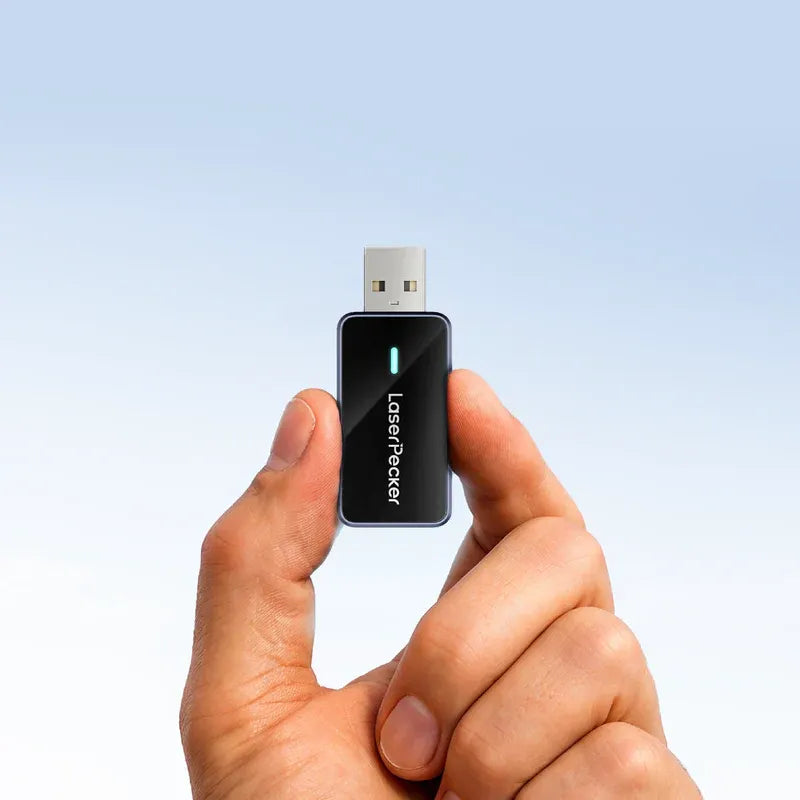
LaserPecker Bluetooth Adapter / Dongle

Final Price
Sale price$41.99 Regular price$59.99
Save $18.00
+ 21 Seeds for LaserPecker members.
1-Year Warranty | 14-Day Hassle-free Returns
LaserPecker Bluetooth Dongle – Wireless Freedom for Creative Flow
Say goodbye to tangled wires and hello to seamless engraving. The LaserPecker Bluetooth Dongle connects your engraver to your PC or Mac wirelessly, unlocking greater flexibility and smoother workflow in any creative space.
Key Features
· Effortless Connection – Instantly pairs with LaserPecker Design Space software on Windows and macOS
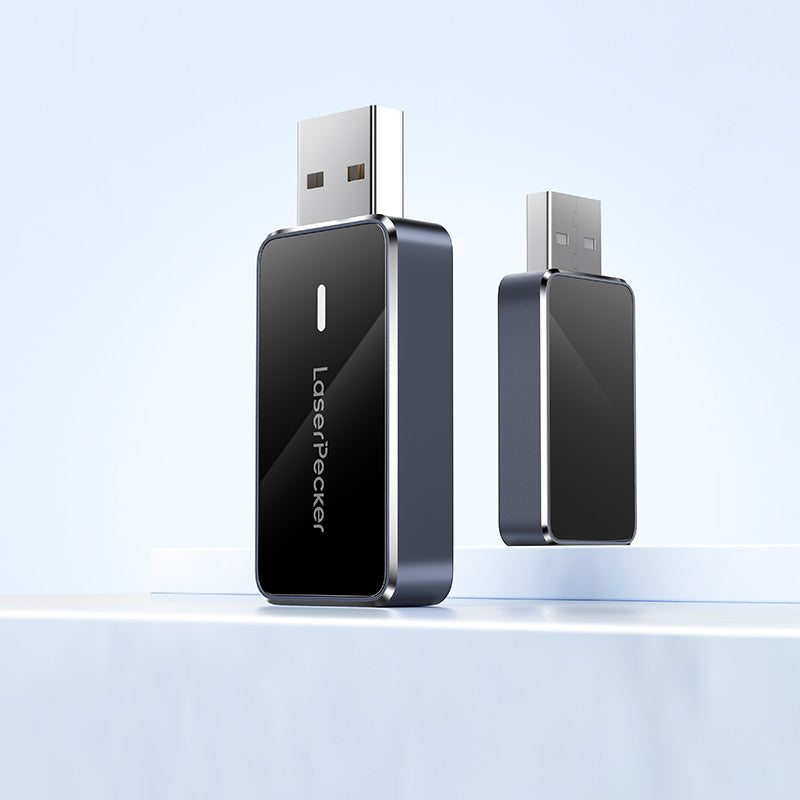
· Compact & Portable – Lightweight design makes it easy to carry and ideal for creators on the go
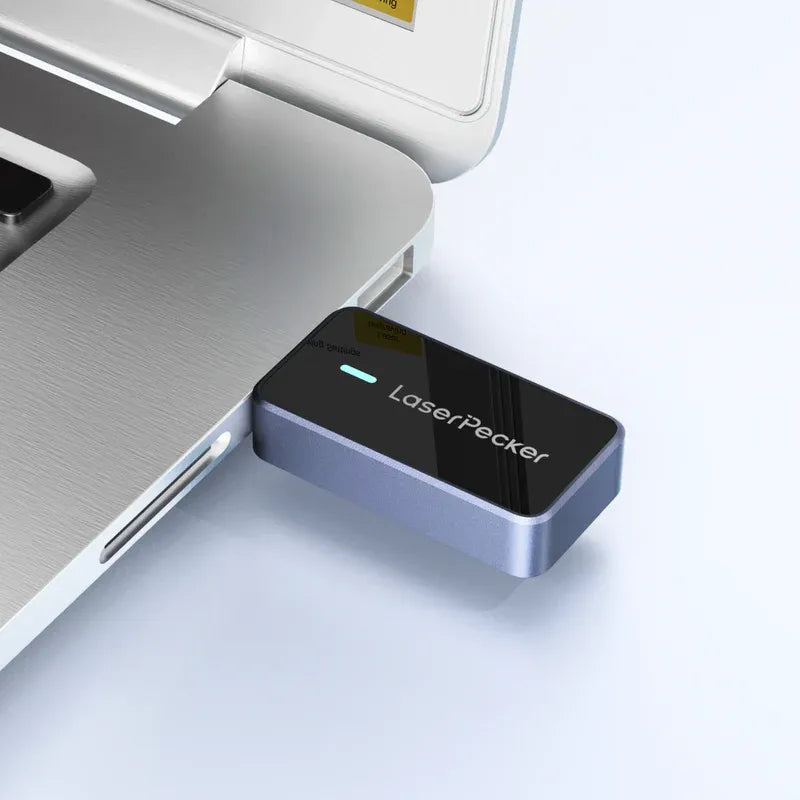
· Plug & Play Setup – Simply insert into your USB port and connect—no driver installation required
Perfect For
· Wireless engraving setups in home, office, or studio
· Creators seeking a clean, cable-free workspace
· On-the-go artists who want fast, portable Bluetooth connectivity
Specifications
Material: Aluminum Alloy and Glass
Size: 54 × 22 × 10mm
Weight: 0.02kg
Color: Gray
Compatible Machine Models
LP2, LP3, LP4
Option
Option: Bluetooth Adapter Dongle
shippingFree Shipping over $69
Price Guarantee7-Day Price Guarantee
Customer Service24-hour Customer Servic
Safe & Secure Checkout
American Express Apple Pay Google Pay Mastercard PayPalShop Pay Union PayVisa Klarna

Easier and Faster

LaserPecker Bluetooth 5.0 USB Dongle

Easier and Faster

LaserPecker Bluetooth 5.0 USB Dongle

 Wireless Freedom

Easily pair your PC/ Laptop with LaserPecker machine using the Bluetooth Dongle for a clutter-free, wireless setup.

LaserPecker USB Bluetooth dongle for fast wireless PC connection to LP2 LP3 LP4 and LX series engravers plug and play compatible with Windows and Mac.

*Note: The Bluetooth dongle is a must-have if you want to connect your LaserPecker machine to your PC through Bluetooth

Fast, Stable, Low Latency

Leveraging the latest Bluetooth 5.0 tech, we've boosted data transmission speeds for a smooth, uninterrupted connection.

Fast Speeds
Bluetooth 5.0
Bluetooth 4.0
60%
laserpecker-dogle-bluetooth-fast-speeds.png__PID:c74ef564-3838-4e7b-b758-0e445d1b0729LaserPecker Bluetooth 5.0 dongle enables wireless PC connection for engravers.

Easy Setup in 3 Simple Steps

Step 1 plug LaserPecker Bluetooth dongle into computer USB port for wireless engraver connection.

Step 1: Plug the Bluetooth dongle into your computer's USB port.

Step 2 download and install CH340 and BLE drivers from LDS software for LaserPecker Bluetooth dongle connection.

Step 2: Download and install the two drivers from the LDS software or access the files HERE.

Step 3 connect LaserPecker machine via Bluetooth in LDS software by clicking Connect the device and selecting Bluetooth option.

Step 3: Connect the device by selecting Bluetooth connection on the LDS software to pair your machine.

Bluetooth Troubleshooting

Support >>

LaserPecker Machine Compatibility

Compatible with LP2, LP3, LP4, and LX1 series, the Bluetooth dongle allows you to experience high-quality Bluetooth connections across different models.

LaserPecker Bluetooth dongle compatible with LP2 LP3 LP4 LX1 and LX1 Max.LaserPecker Bluetooth dongle compatibility list for LP2 LP3 LP4 LX1 and LX1 Max engravers, Windows 10 and Mac supported for wireless PC connection.

*Note: LP5 supports WiFi and cable connection only.