

























Key engraving is a simple way to personalize, organize, and identify your keys. Whether you want to engrave a house key with a name, label spare keys, or create custom engraved keys for gifts or business use, there are several effective engraving methods to choose from.
From high-precision laser engraving to affordable DIY techniques, each method offers different benefits depending on your budget, equipment, and engraving needs.
In this guide, you'll learn how to engrave keys using four popular methods: laser engraving, rotary tool engraving, metal stamping, and professional key machines.

In this article:
- Method 1: Engrave Keys with a Laser Engraving Machine
- Method 2: Engrave Keys with a Rotary Tool
- Method 3: Engrave Keys via Stamping
- Method 4: Engrave Keys with a Key Machine
Method 1: Engrave Keys with a Laser Engraving Machine
Laser key engraving is one of the fastest and most precise ways to create custom engraved keys. This method uses a focused laser beam to permanently mark text, numbers, logos, or designs onto metal keys without physical contact.
Laser engraving works especially well for brass, stainless steel, anodized, and coated keys. It is widely used for personalized gifts, key labeling, locksmith services, and business branding.
What You'll Need for Laser Engraving a Key:
- A key laser engraving machine
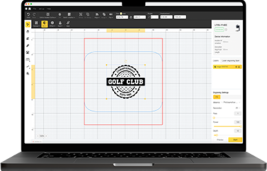
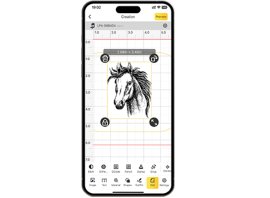
- Design software (e.g., LightBurn, LaserPecker Software & App)
- Metal key blank (brass, steel, or coated)
Recommended Laser Engraver for Key Engraving: LaserPecker LP5
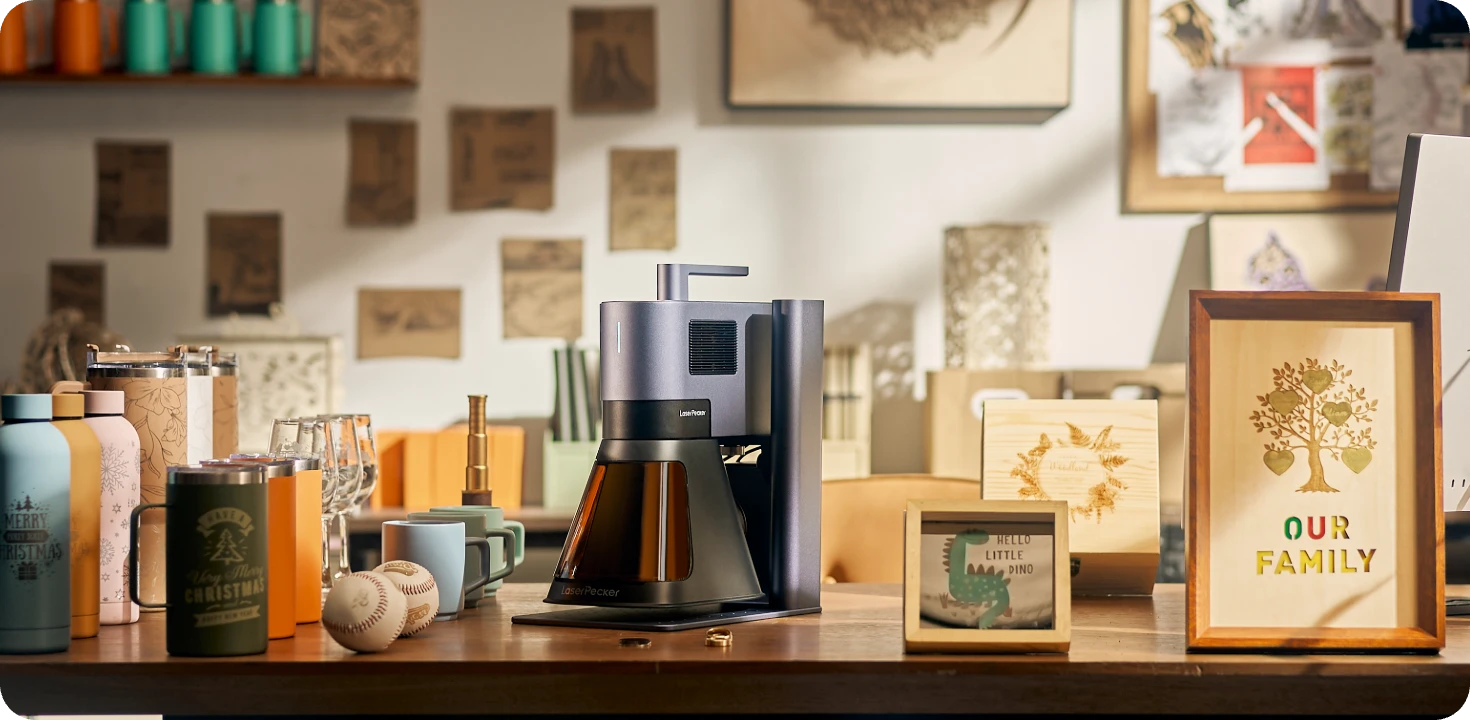
The LaserPecker LP5 is a high-precision dual-laser engraver designed for personalized metal engraving projects such as keys, keychains, tags, tools, and custom accessories.
-
20W Fiber Laser for Metal Key Engraving
The 20W fiber laser is optimized for engraving stainless steel, brass, anodized aluminum, and other metals commonly used for keys and key accessories. -
10,000 mm/s Ultra-Fast Engraving Speed
The high-speed galvo system allows users to quickly engrave names, serial numbers, symbols, and custom key markings with efficient workflow. -
High-Precision Engraving for Small Details
The LP5 delivers detailed engraving performance suitable for fine text, QR codes, logos, and intricate graphics on compact key surfaces.
How to Engrave a Key with a Laser Machine (Steps-by-step)
Step 1: Prepare the Design
Create or import the engraving design in your software (e.g., initials, serial number, or logo).
Step 2: Set Up the Machine
Secure the key onto the engraving platform. Use a rotary attachment if engraving on curved keys.
Step 3: Adjust Settings
Set laser parameters like speed, power, and focus based on the key material.
Step 4: Preview the Engraving
Use the framing feature to preview the engraving position on the key.
Step 5: Start Engraving
Run the engraving process. The laser will etch the design onto the key's surface.
Step 6: Inspect and Clean
Once complete, inspect the key and wipe off any residue using a soft cloth or alcohol pad.
Pros and Cons of Laser Engrave a Key
👍Pros:
Highly precise and professional results
Great for detailed logos, text, or small graphics
Fast and repeatable for batches
👎Cons:
Initial investment can be high
Method 2: Engrave Keys with a Rotary Tool
Using a rotary tool is a popular DIY method for engraving keys at home. This technique uses a fast-spinning engraving bit to carve letters, numbers, initials, or small designs directly into metal keys.
Rotary engraving is ideal for hobbyists and small personalization projects because it is affordable, flexible, and easy to start without professional equipment.
Required Tools:
- Rotary tool or electric engraving pen
- Clamp, vise, or non-slip mat
- Metal keys (preferably brass or soft metals)
How to Engrave a Key with a Rotary Tool (Steps-by-step)
Step 1: Secure the Key
Place the key in a vise or clamp to keep it from moving while engraving.
Step 2: Mark the Design
Use a marker or stencil to outline the text or design you want to engrave on the key.
Step 3: Choose the Right Bit
Install a fine-point engraving bit or a diamond-tip bit on your rotary tool.
Step 4: Engrave Slowly
Power on the tool and begin engraving, gently following the guide lines. Keep the motion steady and pressure light to avoid mistakes.
Step 5: Clean the Key
After engraving, wipe off dust and marker ink with a soft cloth or rubbing alcohol.
Pros and Cons of Engraving a Key with a Rotary Tool
👍Pros:
Inexpensive and easy to get started
Great for personal, handmade touch
👎Cons:
Requires a steady hand and practice
Can be time-consuming for detailed work
Method 3: Engrave Keys via Stamping
Metal stamping is a traditional and inexpensive method for engraving keys. Instead of using lasers or rotary bits, this technique uses hardened steel stamps and a hammer to press letters, numbers, or symbols directly into the key surface.
Stamped keys are durable, easy to read, and ideal for labeling spare keys, workshop keys, storage keys, or simple custom engraved keys.
Required Tools:
- Metal stamping kit (includes alphabet/number stamps)
- Hammer (preferably metal or brass)
- Clamp or tape (to keep the key steady)
How to Engrave Keys with Metal Stamping (Steps-by-step)
Step 1: Secure the Key
Place the key on a steel block or hard surface and secure it with tape or a clamp to prevent movement.
Step 2: Align the Stamps
Use masking tape as a guide or mark the surface lightly to position your letters.
Step 3: Stamp the Characters
Hold the stamp vertically on the key surface, then strike it firmly once with the hammer. Repeat for each letter or number.
Step 4: Polish
Lightly polish the surface if needed to clean up around the stamped areas.
Pros and Cons of Hand Engrave a Key
👍Pros:
Low cost and no electricity required
Durable and long-lasting markings
👎Cons:
Limited to blocky text—no detailed designs
Can be hard to align precisely
Method 4: Engrave Keys with a Key Machine
Professional key machines are commonly used by locksmiths and hardware shops to engrave keys quickly and accurately. Some advanced key cutting machines include engraving functions that can add names, serial numbers, identification codes, or custom text directly onto metal keys.
This method is ideal for businesses, locksmith services, apartment management, and large batches of custom engraved keys.
Required Tools:
- Engraving-capable key cutting machine (manual or electronic)
- Key blank or an existing key (depends on machine type)
- Clamp or holder
How to Engrave a Key with a Key Machine (Steps-by-step)
Step 1: Set Up the Machine
Power on the machine and choose the engraving function or switch to the engraving head (if it's a dual-function machine).
Step 2: Secure the Key
Insert the key into the designated holder or clamp and tighten it firmly to prevent movement.
Step 3: Choose Text or Design
For manual machines: Insert the appropriate engraving template or type guide.
For digital machines: Input the text or design via touchscreen or connected software.
Step 4: Engrave the Key
Start the machine and let it engrave your design. This could be automatic (CNC-like machines) or manual (you guide the cutter along the template).
Step 5: Finish and Inspect
Remove the key, clean it, and inspect for clarity and accuracy.
Pros and Cons of Engraving a Pen Using a Key Machine
👍Pros:
High precision with clean lines
Fast and consistent engraving
👎Cons:
Expensive machines—not ideal for hobby use
Conclusion
Key engraving is a practical and creative way to personalize, organize, and identify your keys. Whether you want simple labels, decorative designs, or professional custom engraved keys, there are several engraving methods available for different budgets and skill levels.
Laser engraving tool for key offers the highest precision and professional finish, while rotary tools provide an affordable DIY solution. Metal stamping is perfect for simple durable markings, and key machines are ideal for fast commercial engraving and locksmith applications.
With the right tools and engraving method, you can easily create durable and personalized engraved keys for home, business, or gifting purposes.