


Laser engraving is a precise way to personalize baseball gloves with names, numbers, team logos, and custom artwork. It creates detailed, long-lasting designs for player gear, team gifts, and keepsakes.
This guide covers suitable glove materials, engraving areas, creative ideas, recommended machines, practical steps, and essential safety tips.

In this article:
- Part 1: Understanding Baseball Glove Laser Engraving
- Part 2: Why Use Laser Engraving for Baseball Gloves
- Part 4: Creative Ideas for Laser Engraved Baseball Gloves
- Case Study: How to Laser Engrave a Player Name and Team Logo on a Leather Baseball Glove
- FAQs: Hot Questions about Laser Engraving Baseball Gloves
Part 1: Understanding Baseball Glove Laser Engraving
1.1 What Are Laser Engraving Baseball Gloves?
Laser engraving uses a focused laser beam to create permanent names, numbers, logos, and patterns on a baseball glove's leather surface.
Common engraving areas include the wrist strap, thumb, fingers, and other relatively flat sections of the glove.
1.2 How Does Laser Engraving Work on Baseball Gloves?
The laser changes or removes a thin surface layer of leather, creating visible contrast or texture. Results vary depending on the leather type, color, coating, and laser settings.
Always test the settings on a similar piece of leather before engraving the final glove.

Source: LaserPecker Facebook Group
1.3 What Types of Baseball Gloves Can Be Laser Engraved?
Many cowhide, full-grain leather, youth, training, and collectible gloves can be laser engraved. Natural leather often produces clear, detailed results.
Coated, dyed, and synthetic materials may react differently, so check the glove material and test a small area first.

Source: LaserPecker Facebook Group
1.4 What Laser Engraving Machine Is Suitable for Baseball Glove Customization?
A suitable machine should offer precise positioning, adjustable settings, and enough detail for names, numbers, and logos.
Compact engravers are suitable for personal projects, while machines with larger work areas and camera-assisted positioning are better for repeated or professional customization.
Choose a machine based on the glove size, design complexity, and production needs.
#1 Recommended Compact & Handheld Laser Engraver
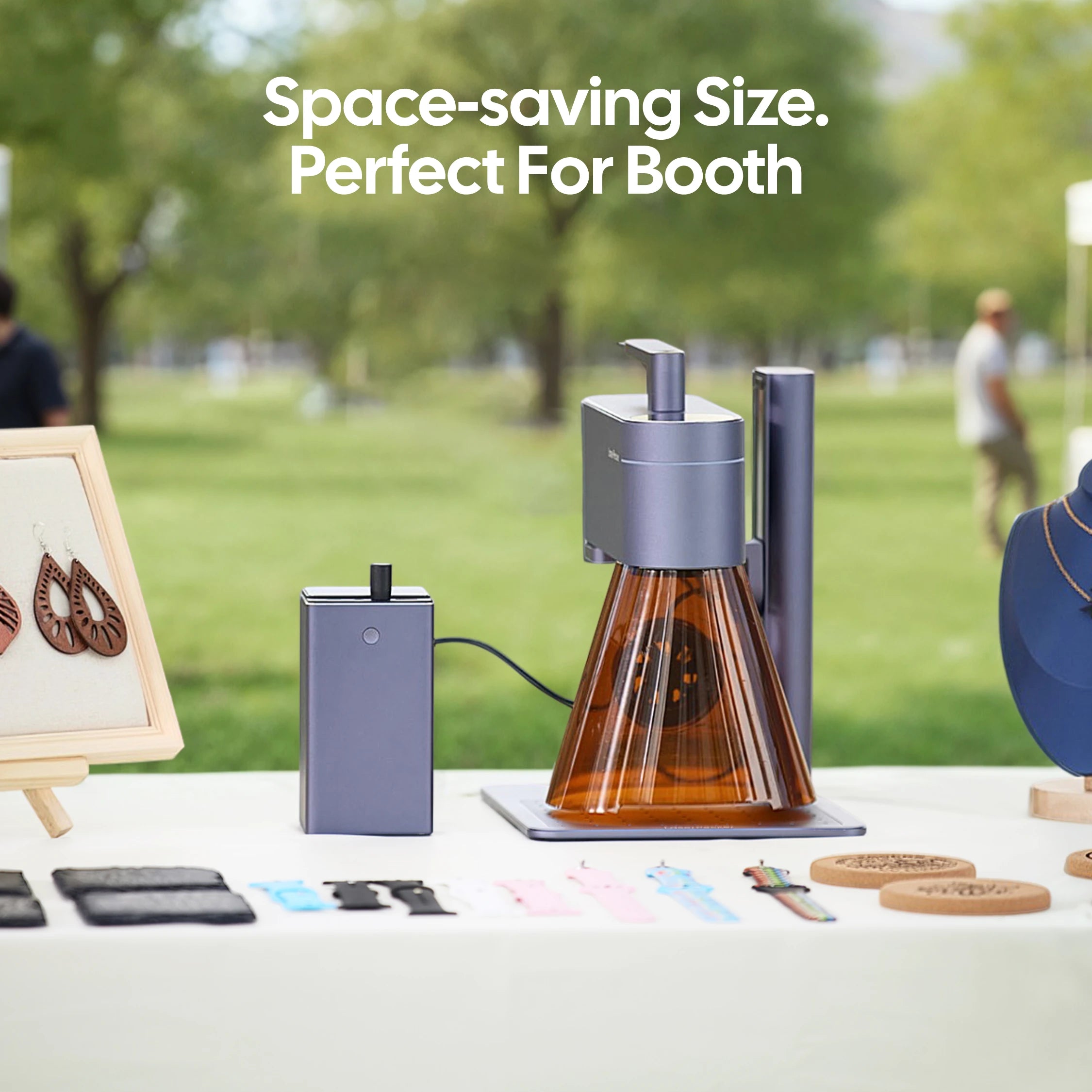
The LaserPecker LP4 uses a 10W 450 nm diode laser to engrave compatible leather baseball gloves. It is suitable for adding player names, numbers, team logos, signatures, and decorative artwork to areas such as the wrist strap, thumb, and fingers.
-
10W 450 nm Diode Laser for Leather
The blue diode laser can create clear, permanent designs on compatible natural and finished leather surfaces. -
160 × 120 mm Working Area
The standard engraving area is suitable for names, numbers, logos, and artwork placed on selected sections of a baseball glove. -
Fine Detail for Custom Designs
Precise engraving supports small text, player signatures, detailed team logos, and decorative patterns. -
Engraving Speed up to 4,000 mm/s
Fast processing helps improve efficiency when personalizing multiple gloves for teams, events, or customer orders.
#1 Recommended Desktop Laser Engraver
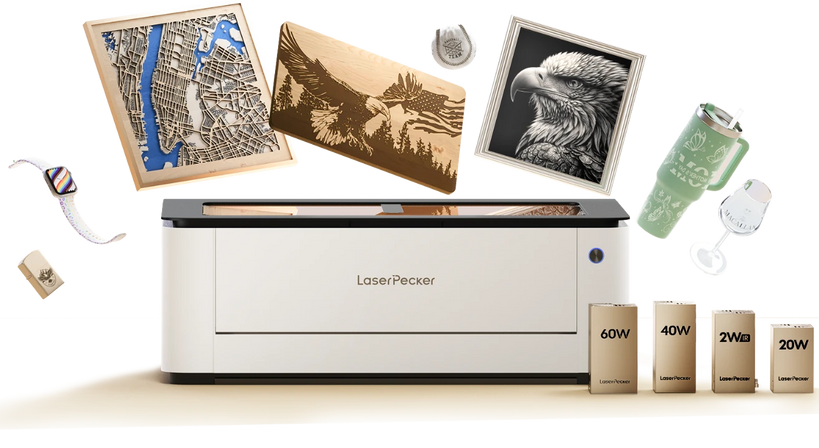
The LaserPecker LX2 is suitable for engraving names, player numbers, team logos, and custom artwork on compatible leather baseball gloves. Its visual positioning system helps place designs accurately on limited engraving areas such as the wrist strap, thumb, and finger sections.
-
12MP/6K Overhead Camera
The camera provides a detailed preview of the glove and design, helping users position names, numbers, and logos within small engraving areas. -
Point-to-Shape™ Design Alignment
Point-to-Shape™ helps align artwork with the shape and position of the selected glove section, reducing placement errors on irregular leather surfaces. -
3D Surface Adaptive Autofocus
The autofocus system adjusts to changes in surface height, making it easier to work with raised or uneven areas of a baseball glove. -
Precision of ≤0.01 mm
High positioning precision supports fine text, player numbers, detailed logos, and decorative patterns on compatible leather.
Part 2: Why Use Laser Engraving for Baseball Gloves?
Reason 1: Create Personalized Player Designs
Laser engraving can add names, jersey numbers, team names, nicknames, and important dates directly to a baseball glove. This makes the glove more personal and meaningful for players, teams, and collectors.
Reason 2: Engrave Detailed Logos and Artwork
Laser engraving provides the precision needed for small text, fine lines, team logos, and decorative patterns. It can create clear designs on suitable leather surfaces without adding ink or other materials.
Reason 3: Create Long-Lasting Designs
The engraved design becomes part of the leather surface, so it will not peel like stickers or printed films. With suitable settings, the glove can retain its original appearance and feel.
Reason 4: Support Personal and Business Projects
Digital designs make it easy to change names, numbers, and artwork for each glove. This makes laser engraving practical for personal projects, team gifts, sports retailers, and small-batch customization businesses.
Part 3: Creative Ideas for Laser Engraved Baseball Gloves
Inspiration 1: Player Names and Jersey Numbers
Engrave a player's name, initials, nickname, jersey number, or position on the wrist strap or thumb. This is ideal for personal gear, team gifts, graduations, and championship keepsakes.
Inspiration 2: Team Logos and Club Designs
Add team logos, club names, mascots, or other branding to create a professional look. Digital designs can be resized for different gloves and used for team gifts, awards, or merchandise.
Inspiration 3: Quotes and Special Messages
Short quotes, personal messages, and important dates can make a glove more meaningful. These designs are suitable for gifts, milestones, and memorable moments in a player's journey.
Inspiration 4: Custom Artwork and Limited-Edition Designs
Baseball graphics, player illustrations, decorative initials, and original artwork can turn gloves into unique collectibles. This is also practical for custom orders and small-batch products.
Case Study: How to Laser Engrave a Player Name and Team Logo on a Leather Baseball Glove in 5 Steps
Customizing a leather baseball glove with a player name and team logo requires careful preparation, accurate positioning, and suitable laser settings.
In this example, a player name abbreviation is engraved on the wrist area, while a team logo is added to the thumb section.
Preparation Checklist:
- Leather baseball glove with a suitable engraving surface
- Player name abbreviation design file
- LaserPecker Design Space or LightBurn software
- Team logo vector or high-resolution image file
- Laser engraving machine suitable for leather processing
- Test leather piece with similar material
- Cleaning tools for removing dust and surface residue
- Proper ventilation or smoke management setup
Step 1: Select and Prepare the Baseball Glove
Choose a compatible leather glove and select a relatively flat engraving area, such as the wrist strap or thumb. Clean the surface to remove dust, oil, and fingerprints.
Step 2: Position the Glove
Secure the glove firmly so it does not move during engraving. Adjust the focus and use alignment or camera-preview features to position the design accurately.
Step 3: Prepare the Name and Logo Design
Create a simple design that fits the available area. Use clear fonts, simplified logos, and balanced spacing to keep names and artwork readable.
Step 4: Test the Settings and Start Engraving
Test the power, speed, and number of passes on a similar piece of leather. Once the desired contrast is achieved, engrave the glove while monitoring the process.
Step 5: Clean and Inspect the Glove
Remove any dust or residue using a leather-safe method. Check the engraving for clarity, alignment, and a clean overall appearance.
FAQs: Hot Questions about Laser Engraving Baseball Gloves
Q1. Can you laser engrave a baseball glove?
Yes, many leather baseball gloves can be engraved with names, numbers, logos, and custom designs. Test the settings on similar leather before engraving the final glove.
Q2. What type of baseball glove is best for laser engraving?
Full-grain, natural, and vegetable-tanned leather gloves are often suitable. Results depend on the leather color, finish, and treatment.
Q3. Does laser engraving damage a baseball glove?
Proper settings should only affect the leather surface without changing the glove's structure or usability. Excessive power may burn or damage the leather.
Q4. Where is the best place to engrave a baseball glove?
Common areas include the wrist strap, thumb, fingers, and outer panels. A relatively flat and stable area usually produces the best result.
Q5. Can you engrave a player's name and team logo?
Yes, laser engraving can add player names, jersey numbers, team logos, and other graphics. Use a clear design file and select an area large enough for the artwork.
Q6. What laser engraver is suitable for baseball gloves?
Choose a machine with accurate positioning, adjustable settings, and reliable leather engraving performance. The best option depends on the design size and production needs.
Q7. Can beginners engrave baseball gloves at home?
Yes. Beginners should start with simple designs, test the settings on similar leather, and follow the machine's safety instructions.
Q8. How can you engrave a curved glove accurately?
Secure the glove firmly, check the focus height, and preview the design position before engraving. Choose the flattest available section whenever possible.
Q9. Is baseball glove engraving suitable for a small business?
Yes, it can be used for personalized sports products, team gifts, and small-batch orders. Digital files make it easy to change names, numbers, and logos for each customer.
Q10. Is it safe to engrave leather indoors?
Leather engraving produces smoke and odors, so proper ventilation and fume extraction are required. Never engrave unknown or PVC-based synthetic leather.
Conclusion
Laser engraving is a precise way to personalize baseball gloves with names, numbers, logos, and artwork. Choose a suitable leather surface, secure the glove carefully, and test the settings before engraving.
The LaserPecker LP4 is suitable for detailed personal projects, while the LaserPecker LX2 supports larger designs and more efficient customization workflows.


