















Have you ever seen a stainless steel tag displaying vibrant blue, gold, purple, or green tones and wondered how those colors were created without paint or ink? The answer is color laser engraving, an advanced laser marking technique that uses precise heat control to produce permanent colors directly on metal surfaces.
Today, advances in laser technology have made color engraving more accessible than ever. With the right materials, engraving parameters, and a capable color laser engraving machine, hobbyists, makers, and small businesses can create colorful metal artwork, personalized gifts, branding elements, jewelry, and industrial markings.
In this guide, you'll learn how color laser engraving works, which materials produce the best results, what type of color laser engraver is required, and how to create colorful engravings on stainless steel step by step.

In this article:
Part 1: What Is Color Laser Engraving?
Color laser engraving is a specialized marking process that creates permanent colors on metal surfaces using precise laser energy. Instead of applying paint, ink, or coatings, the laser alters the surface of the material to produce visible colors through controlled oxidation and light interference.
Unlike traditional engraving, which typically produces black, white, or grayscale marks, color engraving can generate a range of vibrant colors such as blue, gold, purple, red, and green on suitable metals. The colors become part of the material itself, making them highly durable and resistant to fading or peeling.

1.1 How Does Color Laser Engraving Work?
The process works by precisely controlling laser power, speed, frequency, pulse duration, and line spacing. When the laser interacts with certain metals, it creates an extremely thin oxide layer on the surface.
The thickness of this oxide layer determines how light reflects from the metal. Different oxide thicknesses reflect different wavelengths of light, producing visible colors without the need for dyes, pigments, or paints.
Because color formation depends on microscopic surface changes, even small adjustments to engraving parameters can produce dramatically different results. This is why successful laser engraving color projects require careful testing and precise parameter control.
1.2 Which Laser Is Best for Color Engraving?
Not all laser systems can create color engravings. The best results are typically achieved with a color laser engraving machine that offers precise parameter control and is designed to work with metal surfaces.
- Fiber Lasers – The most common choice for color laser engraving, especially on stainless steel and titanium.
- MOPA Fiber Lasers – Often considered the best option because they provide advanced pulse control, allowing for a wider range of colors and greater consistency.
- Diode Lasers – Can achieve color effects on certain materials, but generally require careful tuning and may offer a more limited color range.
- CO2 Lasers – Typically unsuitable for metal color engraving because they lack the necessary interaction with metal surfaces.
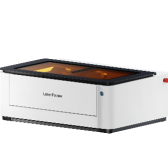
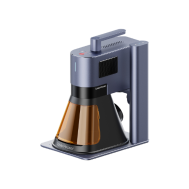
Recommended Laser Engraver for Color Laser Engraving: LaserPecker LP5
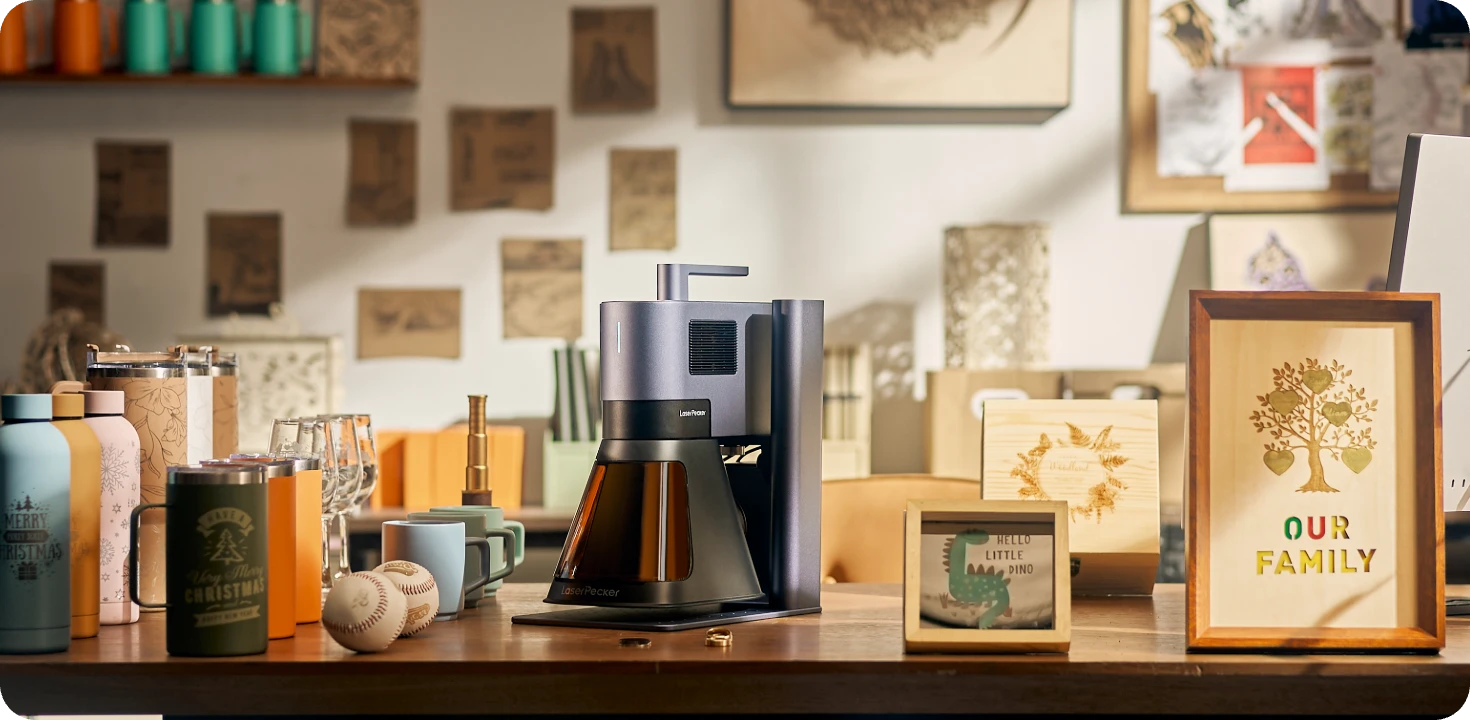
The LaserPecker LP5 is a professional dual-laser engraver capable of producing vibrant color engravings on stainless steel and other compatible metals. It is ideal for creating personalized gifts, jewelry, business products, artwork, and premium custom accessories.
-
20W Fiber Laser for Color Metal Engraving
The 20W fiber laser can produce color engravings on stainless steel by precisely controlling heat and oxidation, enabling vibrant logos, artwork, text, and decorative patterns. -
High-Precision Engraving for Detailed Color Artwork
The LP5 delivers exceptional engraving precision, making it suitable for intricate graphics, photographs, fine text, QR codes, and complex multi-color designs. -
10,000 mm/s Ultra-Fast Engraving Speed
The high-speed galvo system allows users to create detailed color engravings efficiently while maintaining excellent consistency and image quality.
Part 2: Which Materials Are Best for Color Laser Engraving?
Successful color laser engraving depends heavily on the material you choose. The laser creates color by modifying the surface structure or forming thin oxide layers, so only certain materials can produce vibrant and stable color effects.
For the best results, use metals that respond predictably to laser energy and can form controlled oxide layers. While many materials can be engraved, only a select few are suitable for high-quality color engraving.
Best Materials for Color Laser Engraving
1. Stainless Steel
Stainless steel is the most popular material for laser engraving color projects. When engraved with a fiber laser, the surface develops oxide layers that create a wide spectrum of colors, including blue, gold, purple, red, and green.
2. Titanium
Titanium is another excellent material for color engraving. It reacts strongly to laser energy and can produce some of the most vibrant and consistent colors available through laser processing.
Materials That Produce Limited or Poor Color Results
Aluminum
Although aluminum engraves well, it generally does not produce strong color effects through oxidation. Most engravings appear white, gray, or black rather than vibrant colors.
Copper
Copper's high thermal conductivity makes it difficult to maintain the controlled heat required for stable color formation. Color consistency is often challenging to achieve.
Brass
Brass can be engraved successfully, but it typically does not generate the same vibrant color range found on stainless steel or titanium.
Case Study: Color Laser Engraving on Stainless Steel (5 Steps)
One of the most popular applications of color laser engraving is creating vibrant designs on stainless steel. By carefully controlling laser parameters, you can produce a wide range of permanent colors without using paints, inks, or coatings.
The following workflow demonstrates how to create professional-quality color engraving on stainless steel using a fiber laser system such as the LaserPecker LP5 or LP4.
Items Required:
- Engraving Material: Stainless Steel Sheet
- Engraving Machine: Fiber Laser Engraver (LP5 or LP4)
- Smart Engraving Software: LDS Software or App
Can you do color laser engraving? Definitely yes! Follow these 5 simple steps to get your personalized crafts with colors.
Step 1: Choose High-Quality Stainless Steel
The quality of the material directly affects the final engraving result. For the best color consistency, select stainless steel with a smooth, polished, and clean surface.
Avoid heavily textured, scratched, coated, or contaminated materials, as they can interfere with oxide layer formation and color accuracy.

Step 2: Choose the Color Engraving Machine
Here, we choose LaserPecker LP5, which is a dual-laser and multi-functional laser engraver that excels in color engraving.
Step 3: Create a Material Test Array
Before engraving your final design, run a material test array. This is one of the most important steps in successful laser engraving color projects.
The Material Test Array is a powerful feature in the LDS software and app. It lets you preview how different color results will appear on your stainless steel sheet before starting the final engraving.
Here's an example of a tested result using the LP5. To fine-tune the color outcome or personalize your settings, check out our guide on how to create a Material Test Array for color engraving.
LP5 Test Results


LP5-1064nm Laser Type - 8K Resolution Test Results
LP5-1064nm Laser Type - 4K Resolution Test Results


LP5-450nm Laser Type - 8K Resolution Test Results
LP5-450nm Laser Type - 4K Resolution Test Results
Step 4: Set up the Color Laser Engraving Machine
Once you've got your color array, it's time to adjust the engraving parameters for your color engraving project.
Firstly
To achieve color engraving, different areas of the image require different engraving parameters. If the image consists of a single layer, it won't be possible to apply distinct parameters to each area. Before importing the image, it needs to be pre-processed by separating the different colored areas into separate layers, then saving it as an SVG file before importing it into the LDS software.
Secondly
Import the image into the software, then ungroup the image. By opening the layers panel, you will see that the image has been split into five layers.


Thirdly
Switch to the Engraving layer panel. Based on the recorded color-to-parameter mapping, click on the corresponding layer to adjust the processing type, laser type, resolution, Frequency, power, and depth parameters.


Finally
After setting the parameters for all layers, group the layers, adjust the image size, and center the image.

Step 5: Start the Color Engraving Process
Place the engraving material on the cutting plate, preview the engraving, and then start the engraving process. Below is the result of the engraving.

Color Laser Engraving Tips
- Use polished stainless steel or titanium for the most vibrant colors.
- Clean the surface thoroughly before engraving.
- Keep the workpiece level to maintain consistent color distribution.
- Run test arrays whenever changing materials.
- Experiment with different frequencies and resolutions to expand your color palette.
- Record successful settings for future projects.
Conclusion
Color laser engraving opens up a new level of creativity by allowing you to produce vibrant, permanent colors directly on metal surfaces without using paints, inks, or coatings. By carefully controlling laser parameters, it's possible to create stunning designs that combine durability with eye-catching visual appeal.
Whether you're customizing jewelry, creating branded products, producing industrial markings, or crafting personalized gifts, color engraving offers unique possibilities that traditional engraving methods cannot match.