















Deep laser engraving on stone is an effective way to create durable, eye-catching designs that stand the test of time. Unlike light surface marking, deep engraving removes more material to create visible relief and dimensional effects. The result is a long-lasting design that remains clear, readable, and resistant to wear.
In this guide, you'll learn what deep laser engraving on stone is, how deep laser engraving can go, which stone types deliver the best results, and how to create impressive engravings using a laser engraving machine.

In this article:
Part 1: What Is Deep Laser Engraving on Stone?
Deep laser engraving on stone is a process that removes multiple layers of material to create a recessed design with noticeable depth. Unlike surface engraving, which only marks the outer layer, deep engraving cuts further into the stone to produce textured details, relief effects, and three-dimensional artwork.

The depth of the engraving is achieved through a combination of laser power, engraving speed, image preparation, and multiple engraving passes. As more material is removed, the design gains stronger visual contrast and a sculpted appearance.
For advanced projects, deep stone engraving often uses grayscale embossing. In this process, the laser varies its power based on the light and dark areas of an image, carving different depths to create realistic contours, shadows, and 3D effects.
When properly optimized, deep laser engraving can transform a flat stone surface into a highly detailed design with lasting visual impact.
Part 2: How Deep Can Laser Engraving Go on Stone?
One of the most common questions about deep laser engraving is how much depth a laser can achieve on stone. The answer depends on several factors, including the type of stone, laser power, engraving settings, image design, and the number of engraving passes.
With the right setup, deep laser engraving on stone can typically reach depths of 0.5 mm to more than 3 mm. For example, users of the LaserPecker LP5 have achieved engraving depths exceeding 3 mm on suitable stone materials when using optimized settings and multiple passes.

For the best permanent deep engraving results, use multiple passes, maintain good ventilation, and remove dust buildup during the engraving process. These steps help the laser operate efficiently while producing cleaner and deeper cuts.
Part 3: What Stone Is Best for Deep Laser Engraving?
Choosing the right material is one of the most important factors in achieving high-quality deep laser engraving on stone. Different stones respond differently to laser energy, affecting engraving depth, detail, contrast, and overall appearance.
For the best results, select stones that:
- Have a consistent texture and density
- Can withstand repeated laser passes without cracking
- Produce good contrast after engraving
- Respond predictably to laser heat
Best Stones for Deep Laser Engraving
- Granite – Extremely durable and capable of handling high-power laser settings. Ideal for memorials, plaques, and outdoor applications.
- Slate – One of the most popular materials for stone engraving and embossing. Its fine texture allows for deeper cuts and excellent detail.
- Marble – Produces attractive contrast and works well for grayscale embossing and decorative projects.
- Basalt – Dense and durable, making it suitable for detailed engravings and long-lasting designs.
- River Rocks – Popular for personalized gifts, garden décor, and artistic engraving projects.
Avoid overly porous stones or those with unpredictable grain, as they may result in uneven engraving.

A well-selected stone helps create a permanent deep engraving that remains visible and attractive for years, even in demanding environments.
Avoid highly porous stones, stones with inconsistent grain patterns, or materials that easily fracture under heat. These can produce uneven engraving depths and reduce overall engraving quality.
Before starting a production run, test your engraving settings on a small sample piece. This allows you to evaluate engraving depth, contrast, and detail while minimizing material waste.
Part 4: How to Deep Engrave Stone with a Laser Engraver in 6 Steps?
Choosing a capable laser engraver is just as important as selecting the right stone. To achieve high-quality deep laser engraving, you need a machine that delivers consistent power, precise control, and reliable performance across multiple engraving passes.
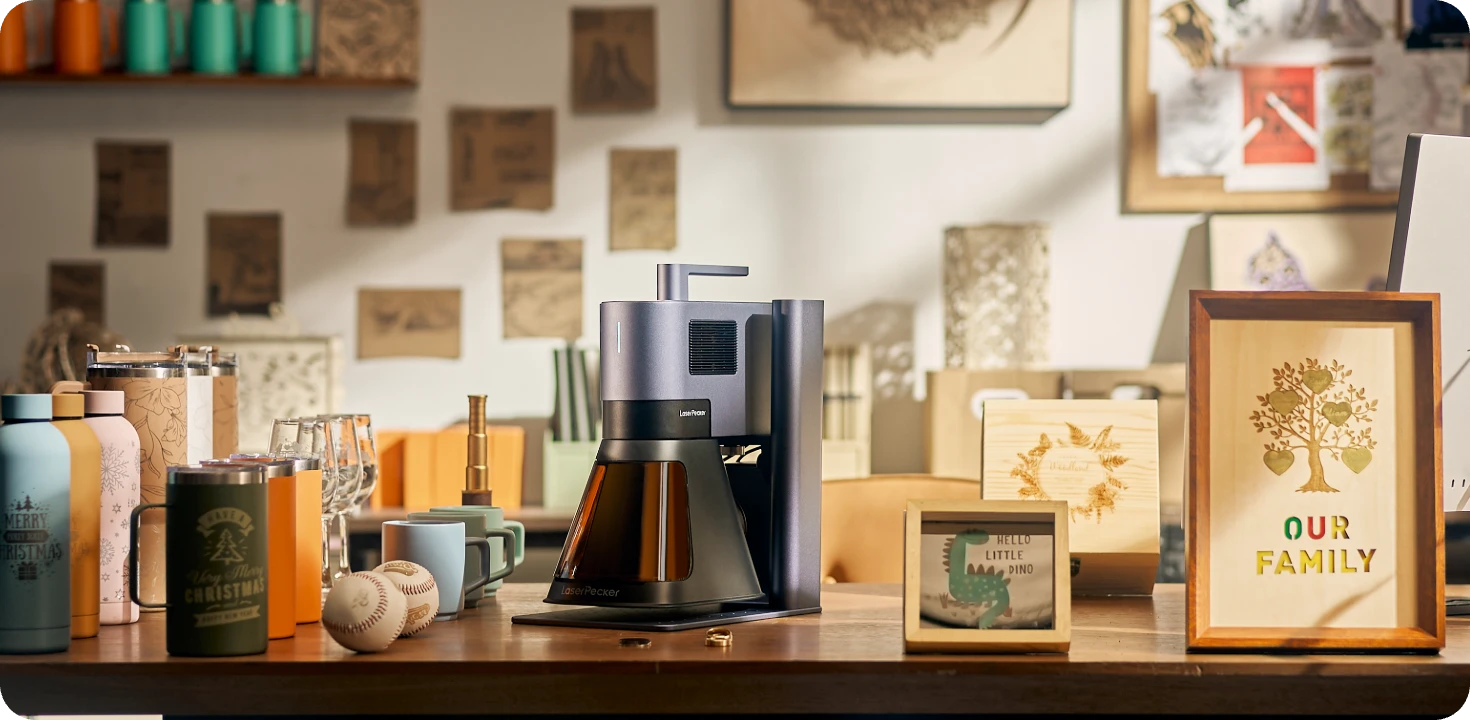
Recommended Laser Engraver for Deep Laser Engraving on Stone: LaserPecker LP5
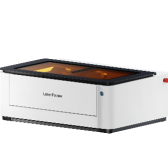
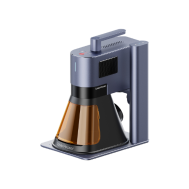
The LaserPecker LP5 is a professional dual-laser engraver designed for creating detailed engravings on stone, slate, granite, marble, memorial plaques, decorative rocks, and premium personalized gifts.
-
20W Fiber Laser for Stone Materials
The 20W fiber laser delivers powerful engraving performance on slate, granite, marble, river stones, and other stone surfaces, producing sharp, high-contrast results. -
Deep Engraving and Embossing Capability
The LP5 can create deeper engraving effects and textured artwork, making it ideal for memorial stones, decorative plaques, personalized gifts, and premium stone crafts. -
10,000 mm/s Ultra-Fast Engraving Speed
The high-speed galvo system allows users to complete stone engraving projects more efficiently while maintaining professional-quality results.
Step 1: Import and Prepare Your Design
Open LaserPecker Design Space (LDS) and import your image. Select the Black & White mode from the image settings menu.

Pro Tip: Black-and-white processing improves engraving efficiency and detail. If your design contains gradients or shaded areas, keep the default dithering effect enabled to preserve smooth transitions and depth variations.
Step 2: Adjust the Design Size and Position
Resize and position the artwork to match the dimensions of your stone. Taking time to align the design correctly helps avoid wasted material and ensures a professional-looking result.
Step 3: Configure Engraving Parameters
For deep laser engraving on stone, start with the following settings:
- Laser Source: 1064nm
- Resolution: 2K
- Frequency: 26
- Power: 100%
- Depth: 25%
The number of engraving passes has a major impact on depth. Increasing the pass count removes more material and creates a deeper, more pronounced engraving.
Step 4: Position and Focus the Material
Place the stone securely in the working area. Use the preview function to verify placement and adjust the focus accurately. Proper focus ensures maximum laser energy concentration and helps achieve a cleaner deep engraving.
Step 5: Start the Engraving Process
Once all settings have been confirmed, begin engraving. Monitor the initial passes to ensure the engraving is progressing as expected and make adjustments if necessary.
Step 6: Maintain a Clean Engraving Environment
Dust and smoke generated during engraving can affect engraving quality. Position a high-speed fan or extraction system near the work area to remove debris and maintain visibility throughout the process.
Keeping the stone surface clean allows the laser to operate more efficiently and helps produce a cleaner, more consistent permanent deep engraving.

Conclusion
Deep laser engraving on stone is an effective way to create durable, high-impact designs with depth, texture, and long-term visual appeal. Whether you're producing custom gifts, memorial plaques, signage, or decorative artwork, the right combination of stone material, engraving settings, and equipment can significantly improve your results.
Choose your design, prepare your stone, fine-tune your settings, and start creating engravings built to last for years to come.